The
Problem:
I am using PD
version 4.1. In the brush timeline editor (to manage and
modify animated brushes) I cannot make
changes as the Render
button is inaccessible. It appears
totally obscured by the filter list that extends
too far down. Check out the attached screenshot
to see what I mean.
Is there any
patch available, or any adjustment I can do on
my end to make this feature usable? BTW the
animation timeline has a similiar issue, we have
a partially obscured render button, but there is
enough exposed to make it functional.
The
Answer:
New! possible
solution: is your
system missing the Arial Narrow Font?
other ideas:
You can first try this: resiz the brush timeline
editor window. Grab the lower right corner and
drag it down to make more the filter list appeaqr,
perhaps reaching beyond the last filter entry. AT
that time it may stop growing with it and might
reveeal the Render button below.
However, there is probably a simple reason why
it's doing this in the first place: Your system
may be configured to use large fonts. This can
mess with the layout of some dialog panels.
Changing the Font size
Try this to return to the default font size:
- Right-click on your desktop, select
Properties. This will open Display Properties,
also accessible from the Control panel.
- In the Display Properties, select the
Appearance tab
- In the Appearance tab, select Font size:
Normal
- Click Apply. You may need to restart
Dogwaffle, maybe not. See if you can exit the
plugin only, and relaunch it without needing
to relaunch Dogwaffle altogether.
|
You might also try the Accessibility Wizard from
the Control Panel.
>>> Chose the small (usual) text size:

And here's what it will and should look like in
PD Pro's Timeline editor:

^^^ The Render button at the
bottom of the filter list is no longer hidden.
|
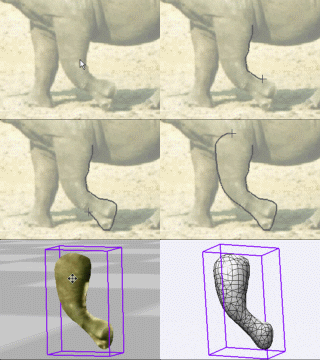
into 3D:
draw a shape, and see it
automatically turn it into 3D
Archipelis
Designer
cool
tool
for rapid 3D model creation and prototyping from
images
|
Inventory
Blowout Sale:

Poser
6 (boxed!) at lowest prices:
for MacOs
or Windows
|
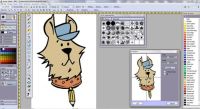
the
Multi-threaded
PD Howler:
PD Pro, howling
fast



|
|