

Also supports
3D Layers:
 |
 |
 |
 The perfect marriage: |
Taking it Further with other texture maps There are so many more things you can now do in Photoshop CS4, now that the 3D model is loaded. Look at the roperties which appear along the right side. There are light you can apply to the scenery. You can also select amongst other types of texture maps: beyond Diffuse (colors) and Bump maps. There is a separate map for glossiness, and another for Opacity (the opposite of transparency - yes, you can paint holes into the model's surfaces!) 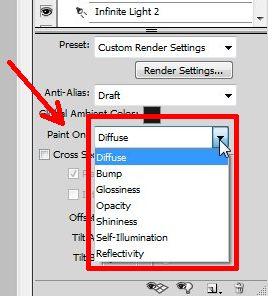 There's also a separate channel for Shininess mapping, and even self-illumination, as well as reflectivity, which can be useful when using the reindering style or mode named raytracing, to create mettalic or otherwise reflective surface effects. Wow, this is so powerful, so totally 3D! Rendering Presets: the New You 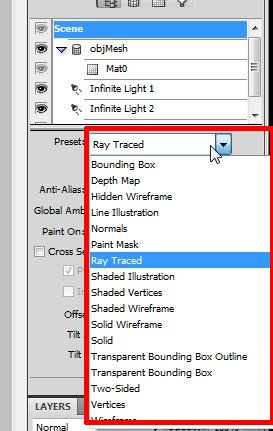 And here's another Wowser: Presets for various rendering styles. From Raytraced to simple or shaded wireframes to combinations of sketched and just the vertices. You'll also find choices for various quality levels of rendering and anti-aliasing. Here are just a few direct effects obtainable with just a few more clicks, using the same elephant model that was created in Curvy 3D, and now takes on so many different appearances: RayTraced, shown here without Diffuse (colormap) or Bump maps. Notice some of the cast shadows on the inside of the front legs under the neck. 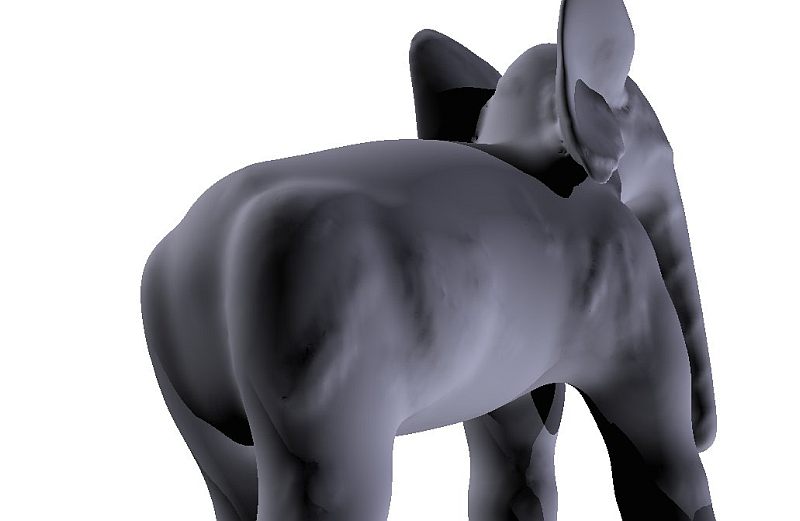 Vertices mode, in which you get a sense of how dense the mesh is that you created through smoothing in Curvy 3D. 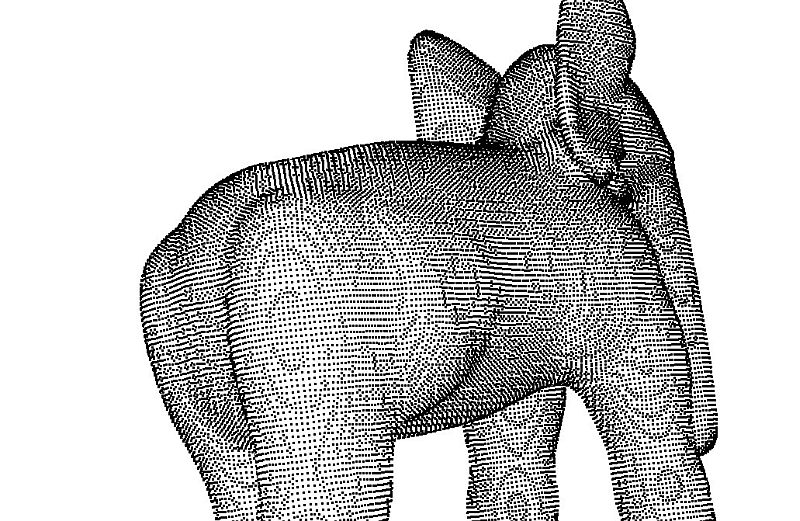 Normals mode, in which the color changes to indicate the orientation of the surfaces you're looking at. This will show effects like crakcs or surface anomalies, may also enhance bump mapping effects. 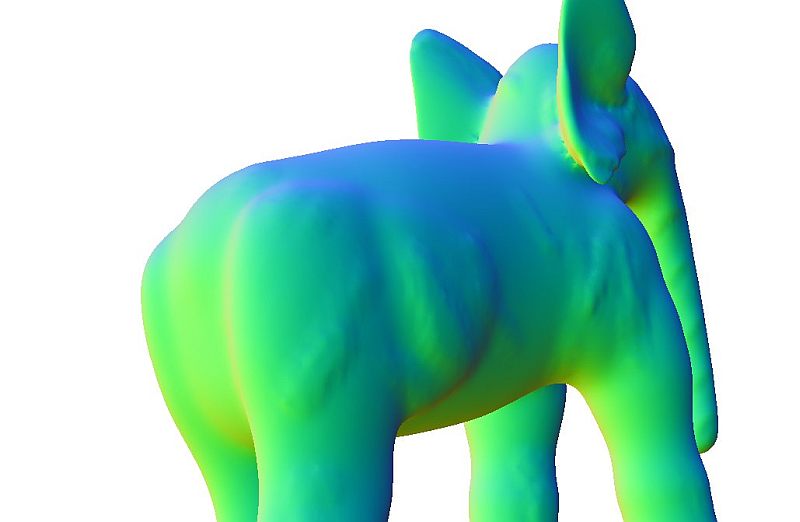 And here's an example where we first converted the layer to a Smart Filter format, i.e. it hides its 3D nature inside, and lets you work on the rendered image as a raster. Then you can treat it as any raster image and apply all sorts of filters. 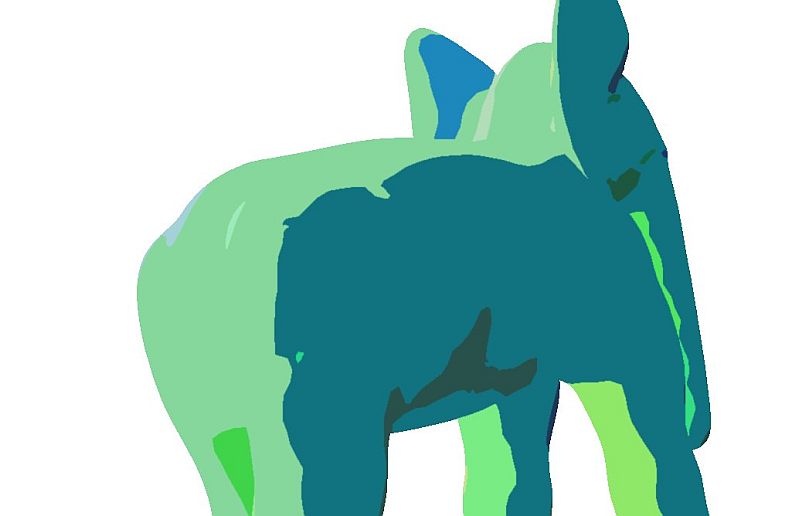 And that's really where 3D layers are very useful for 2D artists: instead of drawing a slightly different anguar view of the model, you just build it once in 3D and then choose the desired angle. After which you can still apply filter effects and other combinations, tricks and techniques to, for example, give it a painterly appearance, as if it had been painted by hand. Other Tools That in fact is where other tools, such as PostworkShop, may also come in very handy. Or, Project Dogwaffle too. Here are just a few filter applications from PD Pro, applied to various quadrants of a single image of the 'vertices' display mode in PS CS4. 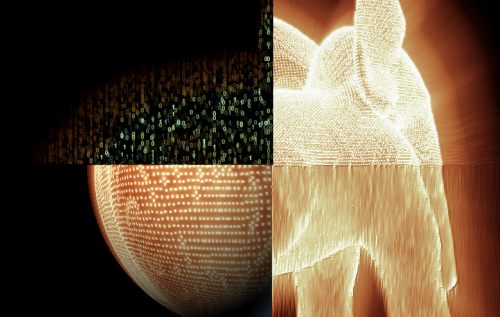 Can you tell which filters were used? upper left: Textrix, upper right: light diffusion and Mystic Vision. Lower left: Spherize. Lower right: Wet Paint. (to name a few) |
| Beginner
Tutorials |
| Getting Started |
| New 3D Layer |
| Painting on 3D Models |
| Taking it even Further |
| Probing
Further |
|
Layers Magazine |
| Steve Burns' Tutorials: |
| hot! 3d object painting |
| hot! 3d bump maps |
| hot!
editing
uv maps |
Other 3D tools:
| HOT! Archipelis for iPhone 3D sculpting on the iPhone  and iPad too! |
|
|
|
|
from
2D to 3D in just seconds!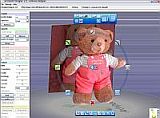 Just trace an outline and see it automagically turn into fully textured 3D shapes for Second Life, Google Sketchup / Google Earth, Direct X & Games, Wavefront OBJ and other popular 3D file formats! Archipelis Designer 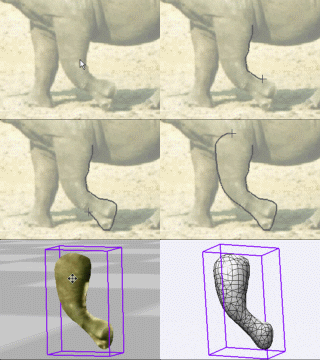 New! now also for Mac and iPhone! |