

Photoshop makes it easy, Curvy makes it possible
Also supports
3D Layers:
 |
 |
 |
 The perfect marriage: |
Painting on the 3D model Directly Photoshop CS4 doesn't stop here: you can use PS to further improve the model's appearance, for example by painting over the texture map or the bump map. You could do this separately on the image file used in the 3D model's OBJ file indirectly through the Material (.mtl) file, and then reload the 3D model in a 3D layer. But even better, you can paint right over the 3D model already loaded in PS. Simply pick your favorite brushes and start painting over the 3D surfaces. 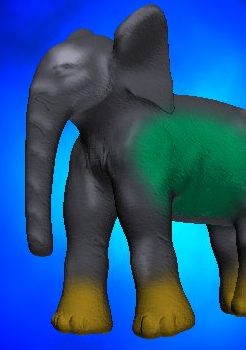 For example, here
we've painted quickly some yellow boots on bthe toes and green flubber
along the side. For example, here
we've painted quickly some yellow boots on bthe toes and green flubber
along the side.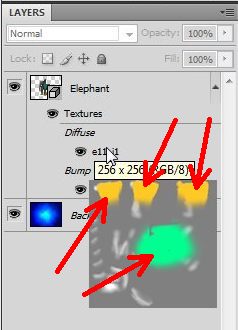 Thereafter, take a look at the tooltip on the layer's texture map (Diffuse map). It will show the changes you've just made to it. Duplicating a 3D Layer You can duplicate 3D layers just like regular layers. It may take some time and memory, but then you can orient and move and place one elephant on one side, and the other to the other side. You can paint their own textures and bump maps. You can really start exploring 3D compositions. 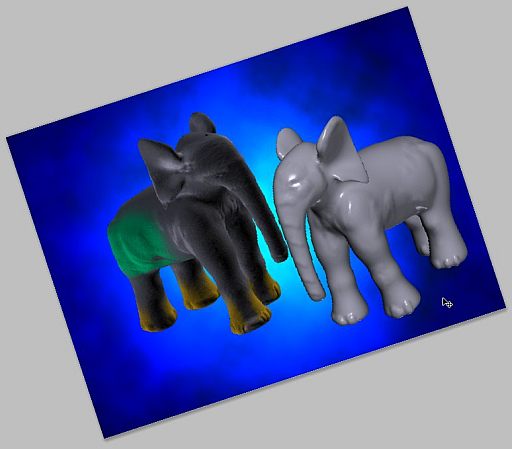 You can apply all sorts effects, such as Smear brushes. Even the erasor can be used, to clear the texture in some areas: Here we manually drew the letters w, o and w with the erasor. 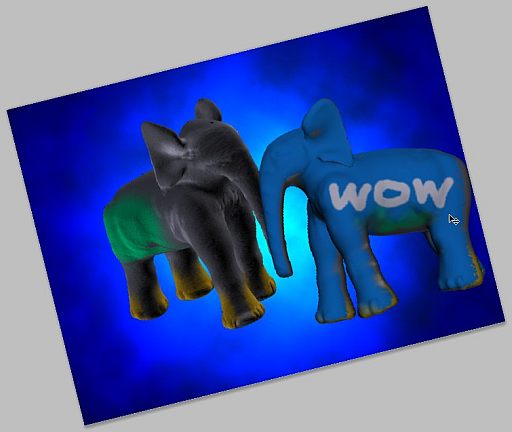 This is what it's all about! Curvy 3D v2 now lets you really be creative, in yet another dimension! Here's another example, after loading a different image as the background layer. (Click to enlarge). This background image was created in Dogwaffle originally. 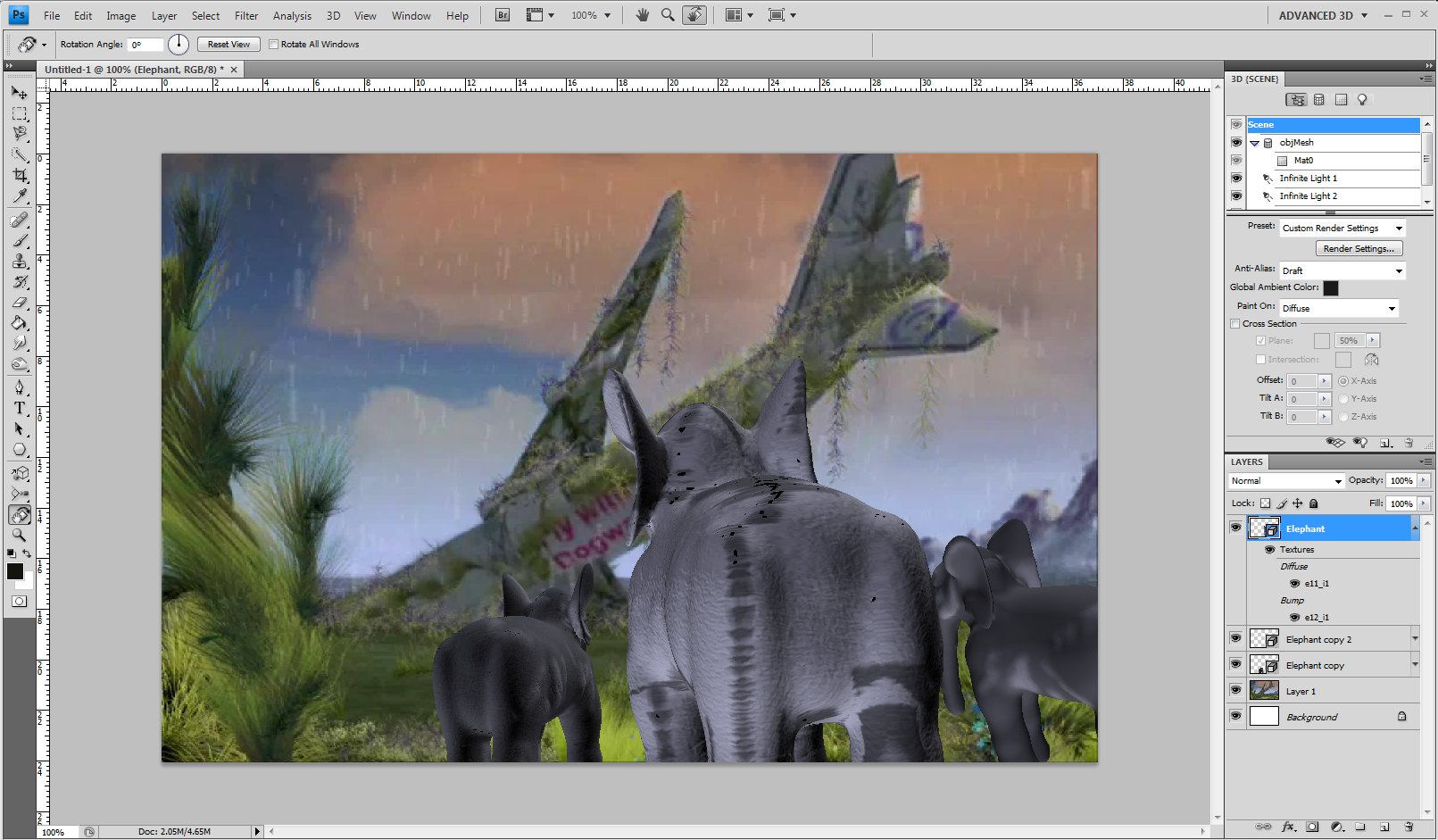 Next: beyond the first steps |
| Beginner
Tutorials |
| Getting Started |
| New 3D Layer |
| Painting on 3D Models |
| Taking it even Further |
| Probing
Further |
|
Layers Magazine |
| Steve Burns' Tutorials: |
| hot! 3d object painting |
| hot! 3d bump maps |
| hot!
editing
uv maps |
Other 3D tools:
| HOT! Archipelis for iPhone 3D sculpting on the iPhone  and iPad too! |
|
|
|
|
from
2D to 3D in just seconds! Just trace an outline and see it automagically turn into fully textured 3D shapes for Second Life, Google Sketchup / Google Earth, Direct X & Games, Wavefront OBJ and other popular 3D file formats! Archipelis Designer 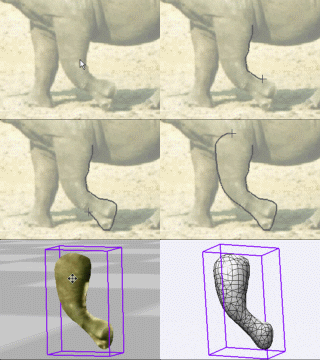 New! now also for Mac and iPhone! |