
you can fly!? powered by Project Dogwaffle

PD Artist

  Intro - Gallery - Sales - Help - About - Add-ons

more Dogwaffle:
PD Pro
Project Dogwaffle
PD Particles
TheBest3D.com

Digital Painting for Everyone!


::: What is PD Artist?


PD Artist is an entry-level digital drawing and paint software program for PC running Windows, powered by  Project Dogwaffle. The current version is based on a subset of PD Pro 3 (roughly at the stage of v3.2 with a bunch of features removed to make it simpler and easier to download). 

It's a great companion to your existing other, popular paint shop or photo editing tools and image editors, free image viewers, and of course also for 3D tools. It is also an excellent way to try something new without going broke: For just about the cost of a good meal, you can get and try PD Artist.

Note that PD ARtst was not designed for WIndows Vista, but there's a good chance it will work fine as long as you install it and run it as Administrator. Give it a try, and if it doesn't work and we can't help you fix it, you have our 30-days moneyback guarantee.

Is this is your very first real digital painting program? If you like it, you might later want to move up to PD Pro 3.5 or 4 and beyond. We offer great discount coupons so you don't spend the money again you already did. Just contact us if you have questions.

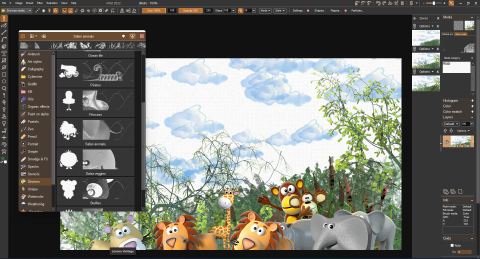
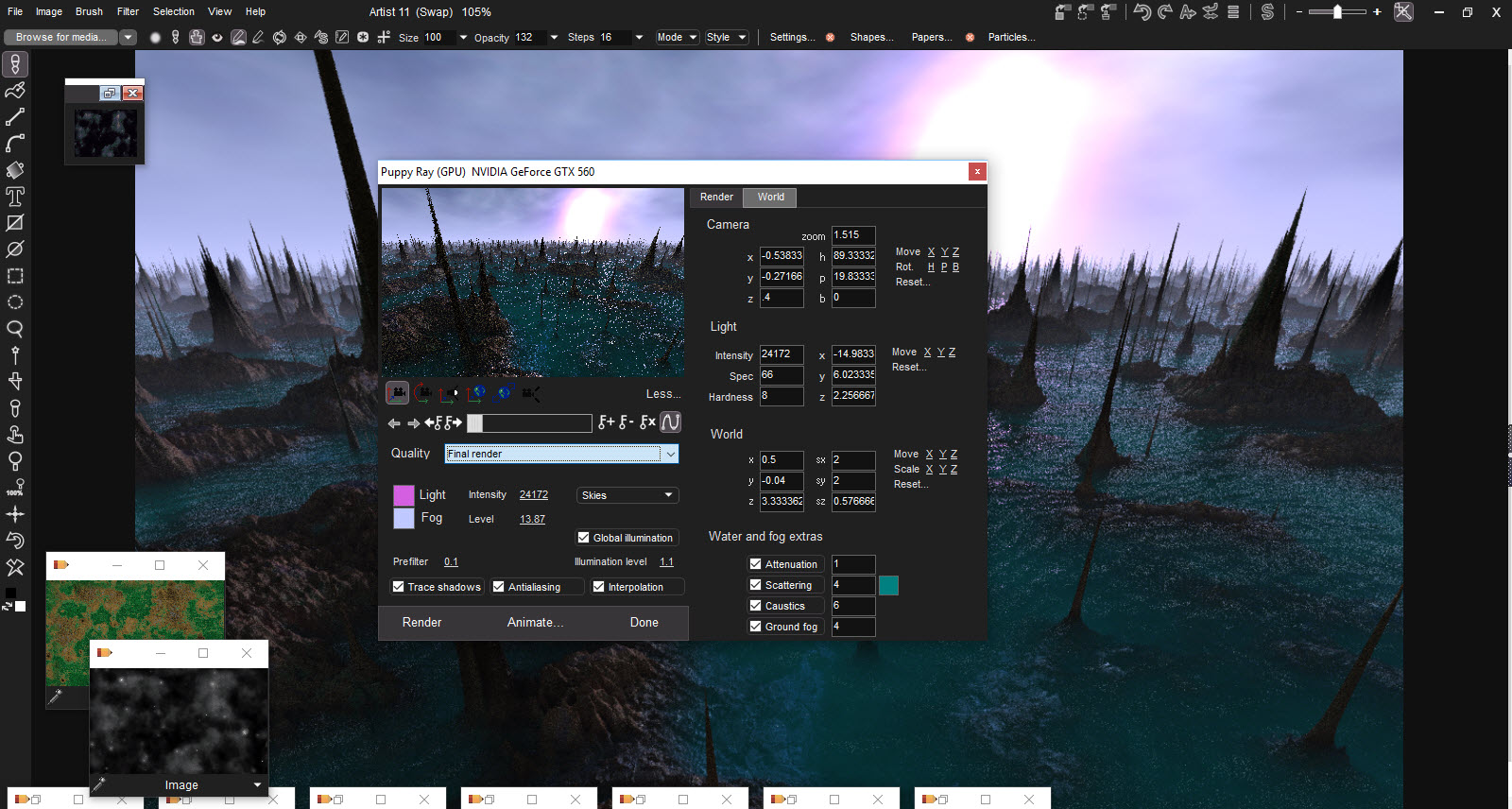
While PD Artist isn't as full-featured as PD Pro (and in some ways even than the earlier version 2.1b of Project Dogwaffle), it still has a tremendous number of features and tools, as you can see in this screenshot with many of its floating palettes and tools open:

screenshot of PD ARtist with many of its tools exposed
(click for larger image)

The interface is fully customizeable. The above display is a bit unusual and not meant to imply a particular way of using PD Artist. More likely, you'll open floating tool palettes only as you need them, to maximize the available screen and image size.

There's also a little bit of animation capability, but the main focus is on digital painting and making it fun and as fast as realtime. But you can certainly combine the two uses: matte painting on image sequences, for example.


Latest News:
Free addon: Penny Paint
for PD Artist!


PD Artist on a Mac?

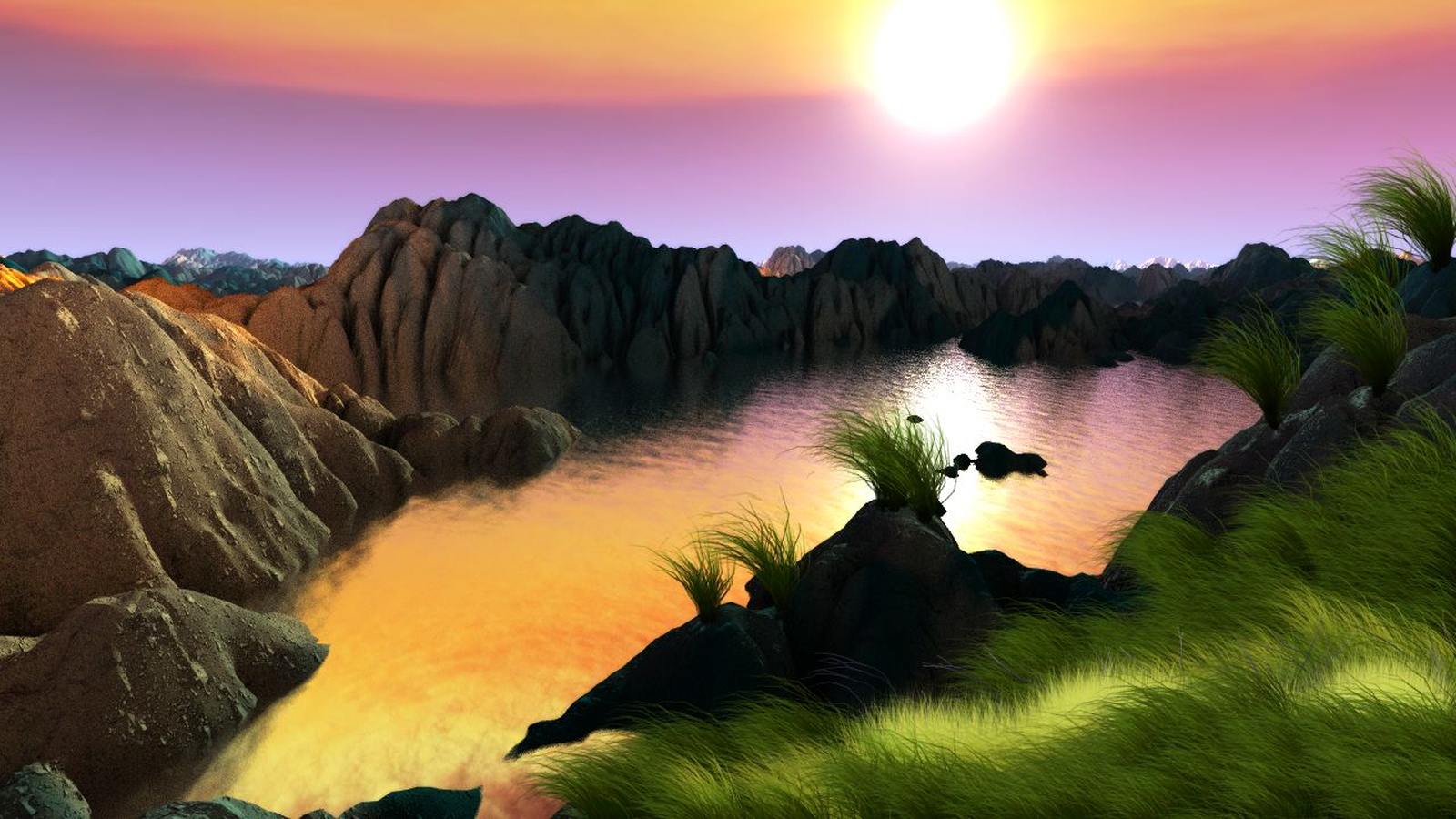
The River, by Dan Ritchie
gallery: the River


Related Tutorials:

Tutorials for
PD Particles

Tutorials
for Project
Dogwaffle
and PD Pro


Reviews:

a review by Tom Arah:

Paint Magic
Paint Magic review in PC Pro magazine5


Other Dogwafflers:
Calm in the Cove
Nature painting by Frank Rodgers


Want PD Artist on a Mac?


parallels desktop for Mac


redefining the meaning of window-shopping on a Mac


::: PD Artist vs. PD Pro - What's Different?


PD Pro  is where you really, eventually will want to be, once you've come to realize what fun already lies in PD Artist and yet how much more can be done with PD Pro (which is also ready for use under Vista). It's not that much more expensive to go Pro, but it can still be a stretch for some starving artists, students and retirees/hobbyists. Therefore we made PD Artist as a first way into the wonderful world of digital painting with Project Dogwaffle.

You can find a demo/trial version for free downloading of PD Pro in the Demozone

Note: After we receive your order, you will see an email containing a discount coupon which you can use in case you wish to upgrade to PD Pro thereafter. The coupon can be used to recoup most of your original cost from PD Artist.

The table below is a brief summary, and of course there's more to it. PD Pro continues to evolve at a faster pace, with more tools and speed enhancements coming regularly, even from 3rd-party developers making plugins.


PD Artist

PD Pro

Natural media tools

Custom brushes

Animated brushes


Custom brush store&manager


Layers

Swap mixing

Full layers

60+ formats

Image browser


Batch processing


Twain


Filters

80+

140+

Scan frames


Stroke player

Exposure sheet


Brush keyframer


Cut/copy/paste frames

Time stretch


Video fields support


Realtime playback

Particle painting

Particles w/shrinking lines


Particles w/Alpha


Particles w/Forcefields


Post process brush fx


Tablet controls size

Tablet controls opacity


Alpha Channel

Animation

Animation Light table (onion skins)


Timeline editor with Animated Filters


Load/Save animation as AVI


Load/Save animation as image sequence

Free LUA scripting Plugin

Penny Plugin for enhanced Cartooning &  Line art


::: Recommended System Configuration:
  • Operating System: Windows XP recommended. Earlier versions may also work, such as Windows 98 or 2000, but have not been tested as much. Still, they should work ok. If you are on a Mac/Intel you should be able to run your Windows CD under Parallels for Mac
  • System Memory:  at least 128 MB RAM available, preferably 256 MB or more recommended. 
  • Disk Space: 20 MB 
  • Graphics: a  video card set to 1024x768 or higher resolution, and 24-bit or better (truecolor) depth. No  3D acceleration needed,  all display rendering is done in software and with MMX and through GDI.
  • Processor Type: MMX-enabled Intel Pentium 2/3/4 type or AMD equivalent, 1 GHz speed recommended, although it has been seen to work satisfactorily on slower processors too. One of our tests was successfully done on a Windows 95 SR2  based K6 MMX system at 200 MHz with just 64 MB RAM ! but as you can guess, it was no fun....


::: How to Order


       another tropical island beach - with boats PD Artist is available as a download of 9 MB - it is offered for only $29 USD.  new lower price!!

To purchase PD Artist, go to the sales page


Got a Mac?
Want to Paint and Draw with PD Artist on a Mac?


If you have one of those new Macs based on Intel processors (also known as the Mac/Intel), then you can run Windows and Linux on it too. There are several solutions for this, such as:
to name a few. Oh, and there's also some free solutions based on Wine HQ - Please nore that we have not tested all of them, and we don't know if all are suitable for you, based on your system configuration, performance and budget. Some of the above mentioned products are free, some require a Windows Installer CD, some don't.... do your comparisons, get the facts, and take your pick.


::: Legal

PD Artist and Project Dogwaffle are trademarks of Dan Ritchie. All other names, trademarks or registered trademarks mentioned here are the sole property of their respective owners and only used for identification purposes. No endorsement or other support  is intended or implied.