
Multiple Layered
Styles
| More Tutorials |
Intro
Video amongst
PWS's Facebook Videos Now also on YouTube |
| Finally! 3D for
everyone: Carrara (boxed) free shipping for orders $50 and up! (US only) Hurry before they're gone - this is a limited inventory blowout sale around $17 Carrara 3D Basics: so affordable! 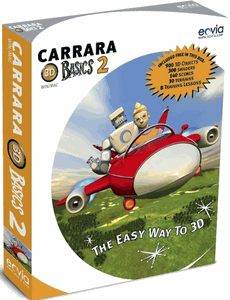 around $40-$50 Carrara 3D Express: wow!  around $50-$60 Carrara 5 Standard: best value! 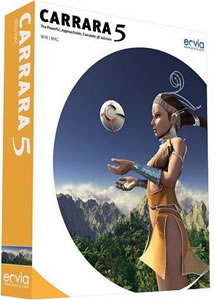 just around $100 Carrara 5 Pro: be a 3D Pro now!  |
| Fast
3D sketching, colormap, bumpmap and displacement
map painting and
digital & sculpting: Curvy 3D the fun & intuitive way to sculpt!  ...it's not modeling, it's better: It's liberal sculpting! Great for Fantasy Art, Concept Art & 3D Design, making 3D props, ... Special discount coupons available for users of Project Dogwaffle! (ask us) |
from
2D to 3D in just seconds! Just trace an outline and see it automagically turn into fully textured 3D shapes for Second Life, Google Sketchup / Google Earth, Direct X & Games, Wavefront OBJ and other popular 3D file formats! Archipelis Designer 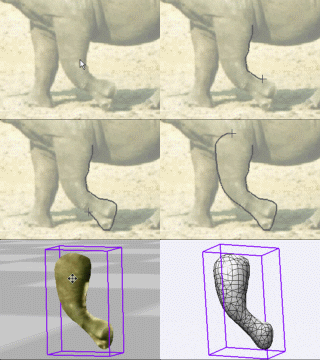 New! now also for Mac! |
Inventory
Blowout
Sale: Poser 6 (boxed!) at lowest prices: for MacOs or Windows |
Time
for a Break! Halo 2 for PC |
Windows
7 on sale |
|
You can repeat the prior drag-and-drop action many times, adding more layers with more styles to it, and fine-tuning each of their respective layer blending mode and layer opacity. After doing this a few times, you might have a layer stacking scenario like this one: 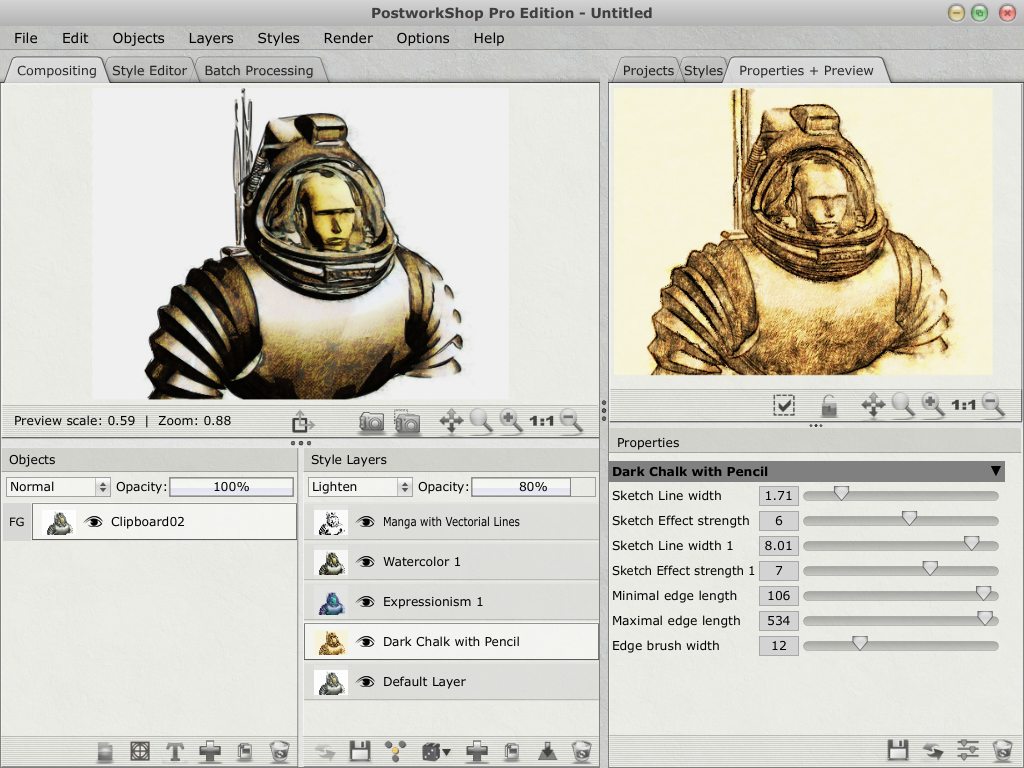 (click image to
enlarge)
Furthermore, you can select (click) any of the layers, and switch to the 'Properties + Preview' tab. In that tab, you'll see just the look of that one style, and a number of parameters that define it. You can further control and adjust the exact nature of that specific style. For example, if you're using a style like Manga or Cartooning with outlines, you'll probably find parameters that control the width of these outlines. 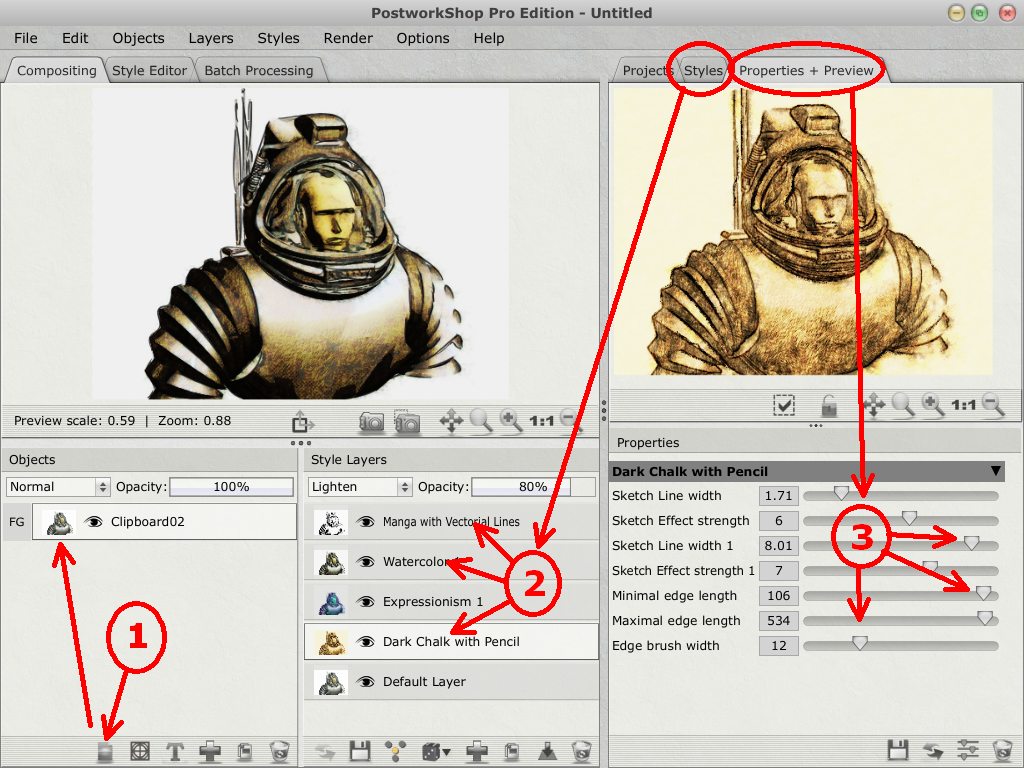 This is a place where you can create even more refined appearances for your custom styles. Enjoy! |
|
|
| More Tutorials |