

setting up bones for posing in Curvy 3D 2.0
Also supports
3D Layers:
 |
After you're done
with sculpting
and modeling,
take your art
to the next level:
 |
 The perfect marriage: |
| Can't afford PD Artist at $19?  Someone else is willing to pay for your copy of PD Artist, if you buy something from them first - and there are many products and services to choose from! |
| Finally! 3D for everyone: Carrara (boxed) free shipping for orders $50 and up! (US only) Hurry before they're gone - this is a limited inventory blowout sale around $17 Carrara 3D Basics: so affordable!  around $40-$50 Carrara 3D Express: wow!  around $50-$60 Carrara 5 Standard: best value!  just around $100 Carrara 5 Pro: be a 3D Pro now!  |
Part 5: Enabling Posing Mode And that's it, basically, now you can enable Posing mode, from the Edit menu, or better yet, use the keyboard shortcut: 'U' 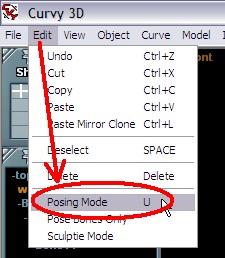 Note that you may want to hit 'U' a few times throughout the editing, to re-attach the surfaces if you accidentally move the objects while detached. To move the whole leg, use the move tool and move the top bone. 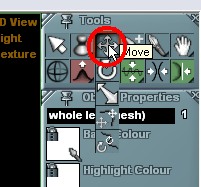 As you move the selected top bone, the skinned surface moves with it. 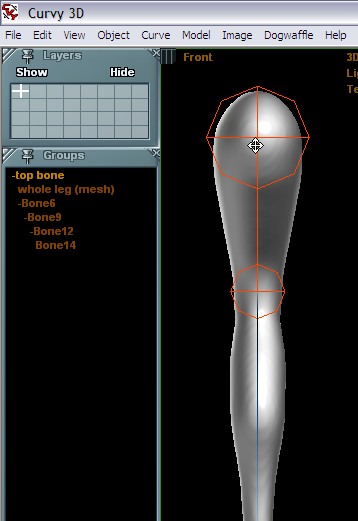 However, if you select and try to move the next (second) bone, it won't move. In posing mode, it will however let you rotate it around the attachment joint. Select the Rotate tool for the bone. 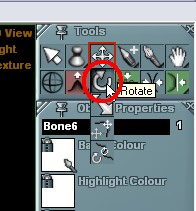 You can grab the bone at the bottom end, near the ankle. 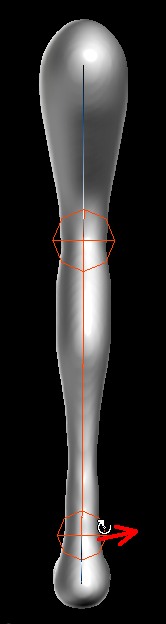 It will rotate around the top joint of the bone, i.e. where it attached to the prior bone, its parent. 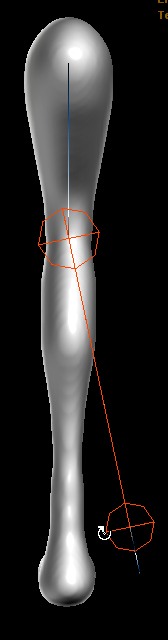 Now, let go of the cursor, release the mouse button. The mesh which is skinned and under control of the bone will be bent to line up with the bone's new orientation. 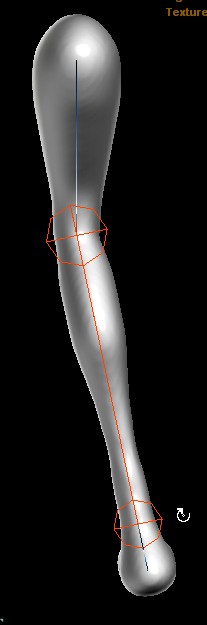 Now, try from a different angle, in a different view, such as the side view (Left or right). Grab it by the ankle and move it back. It will rotate again around the top joint by the knee. 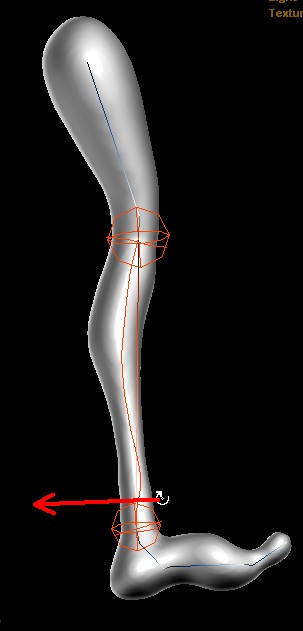 Move the cursor so that the bone takes on the direction you want. 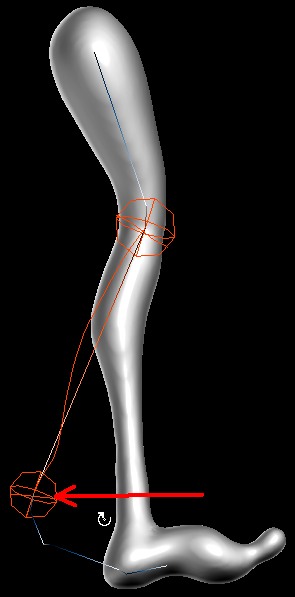 Then release the cursor and see the leg snap back. 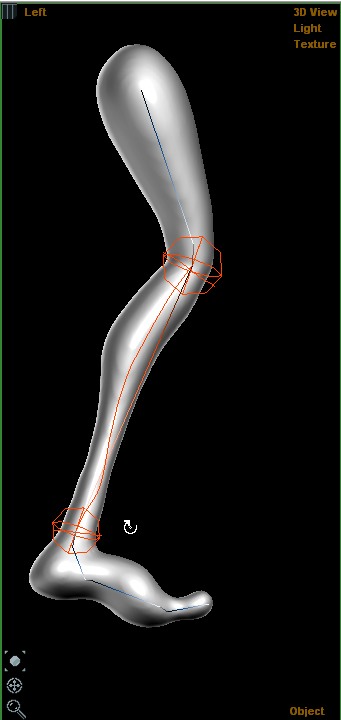 And that's basically it. 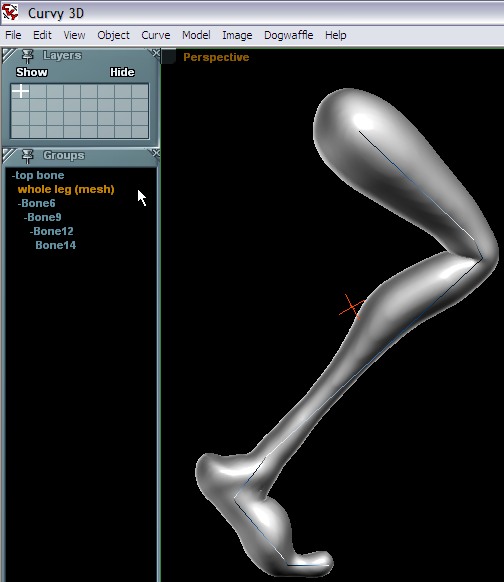 Part 6: Freezing a Pose to a new Mesh... |
| Beginner
Tutorials |
| Getting Started |
| Photoshop 3D Layers |
| Bones
101 |
| Bones
101 |
| part
1 |
| part
2 |
| part
3 |
| part
4 |
| > part 5 < |
| part 6 |
| part 7 |
Other 3D tools:
| HOT! Archipelis Designer 3D sculpting on the iPad 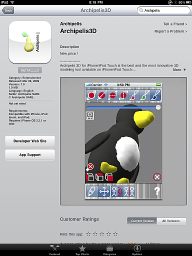 on iPhonetoo! |
|
|
Windows
7 on sale |
Time
for a Break! Halo 2 for PC |
Windows
XP on Sale at Purplus! not the latest, still one of the greatest, and now so affordable! |
Stop unknown threats before they stop you! NOD 32 - best antivirus, by ESET |
 |